
Using Contract Chat (or notes)
Relased Mar 2024
Enabling Chat
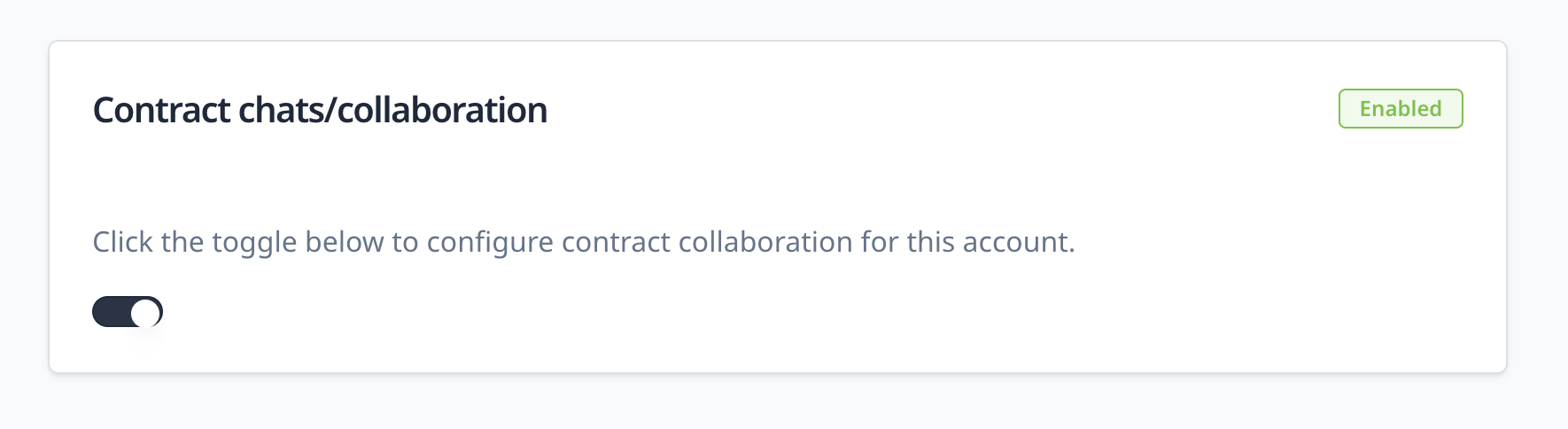
A contract chat or notes feature is now released. For all existing customers, this must be turned on. Go to Admin > Settings to turn it on.
You should see it disabled.

Click on the toggle at the bottom of the box to enable it. This is what it looks like when it's enabled.
Using Chat
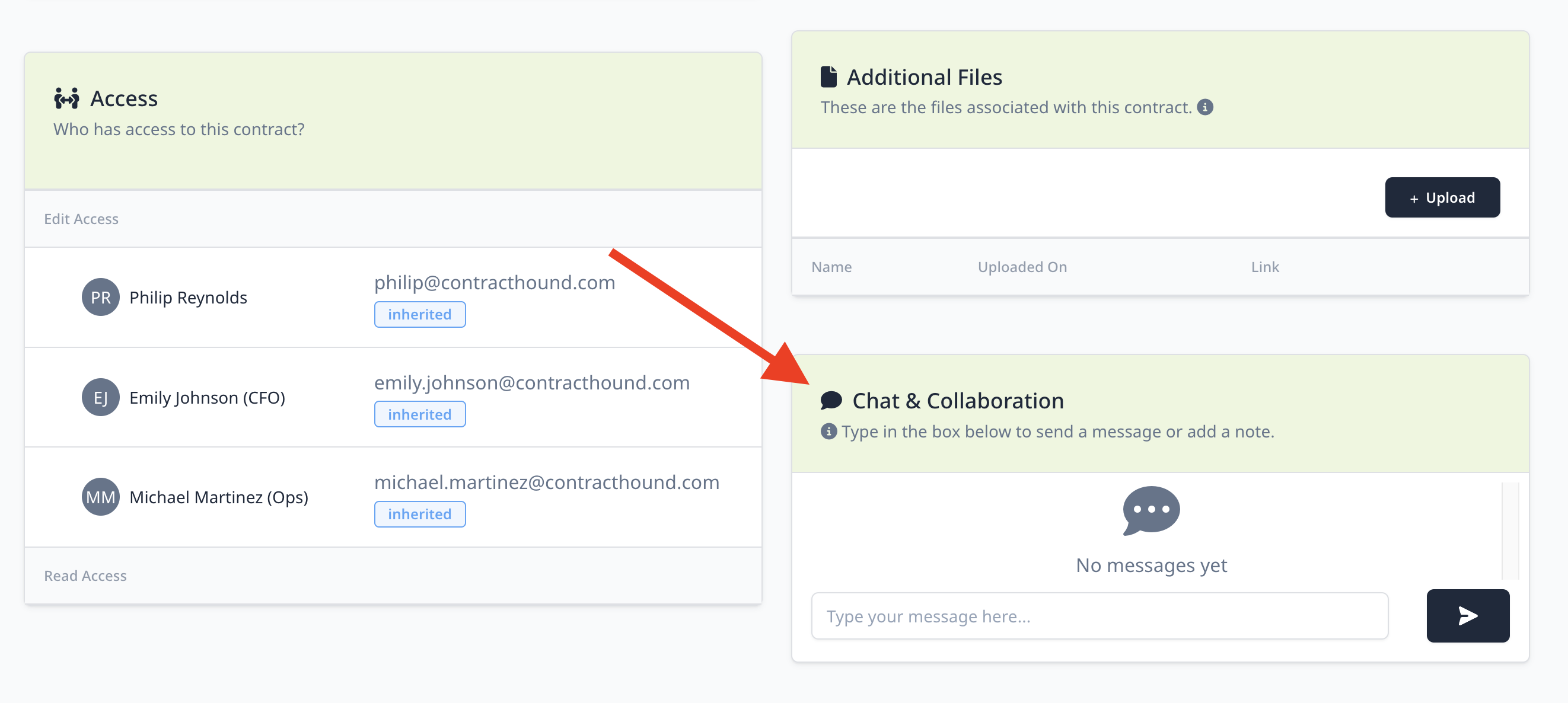
Once chat is enabled, you will see a box at the bottom of every contract
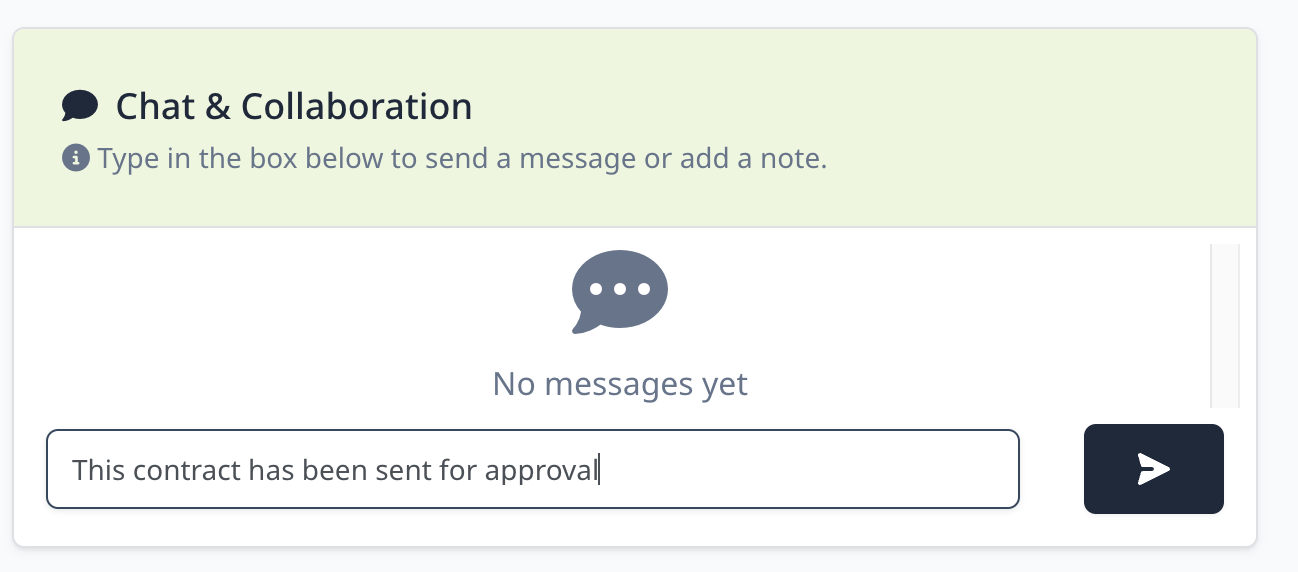
Type your message
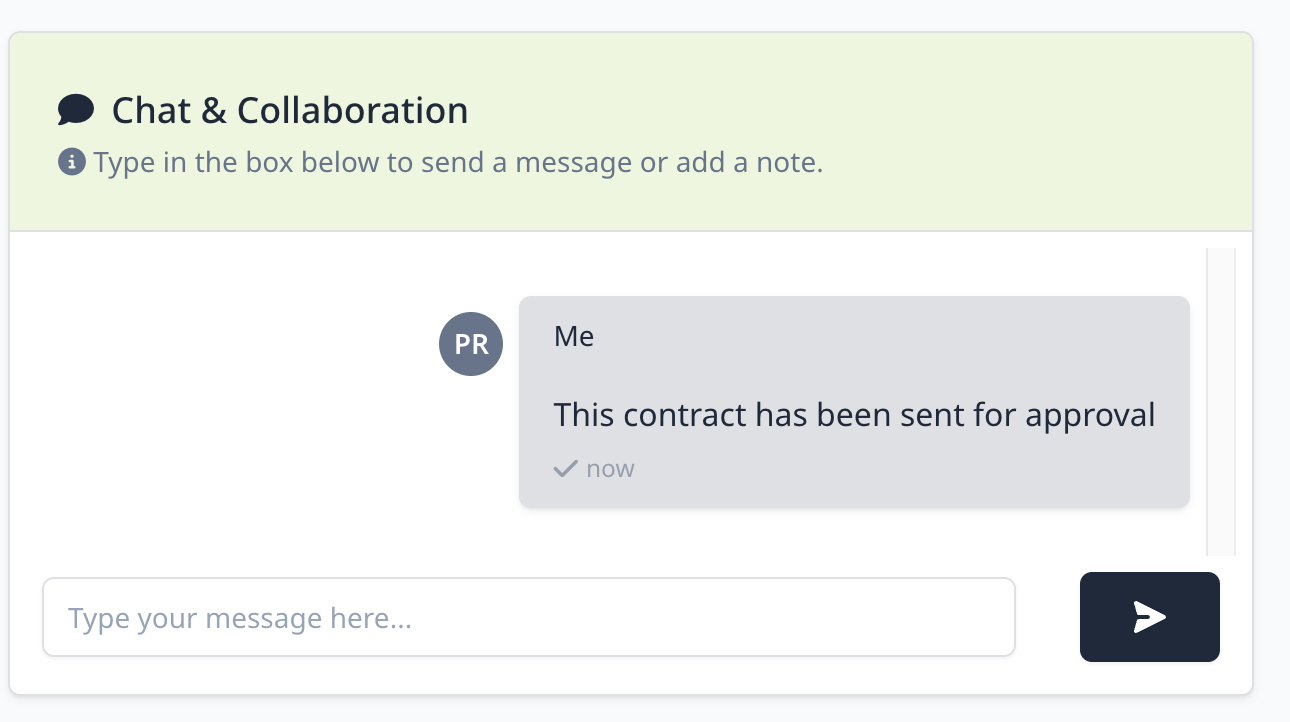
And click the send button right beside it. Now you'll see your message appear.
Who can see chat messages?
Anyone who has access to the contract can see messages
Who can add messages?
Anyone who has access to the contract can add messages. Even read-only users can add to the chat here.
Does adding a chat message send a notification?
No, there is no way for chat messages to send emails or notify other users of a new message at this time.